Map
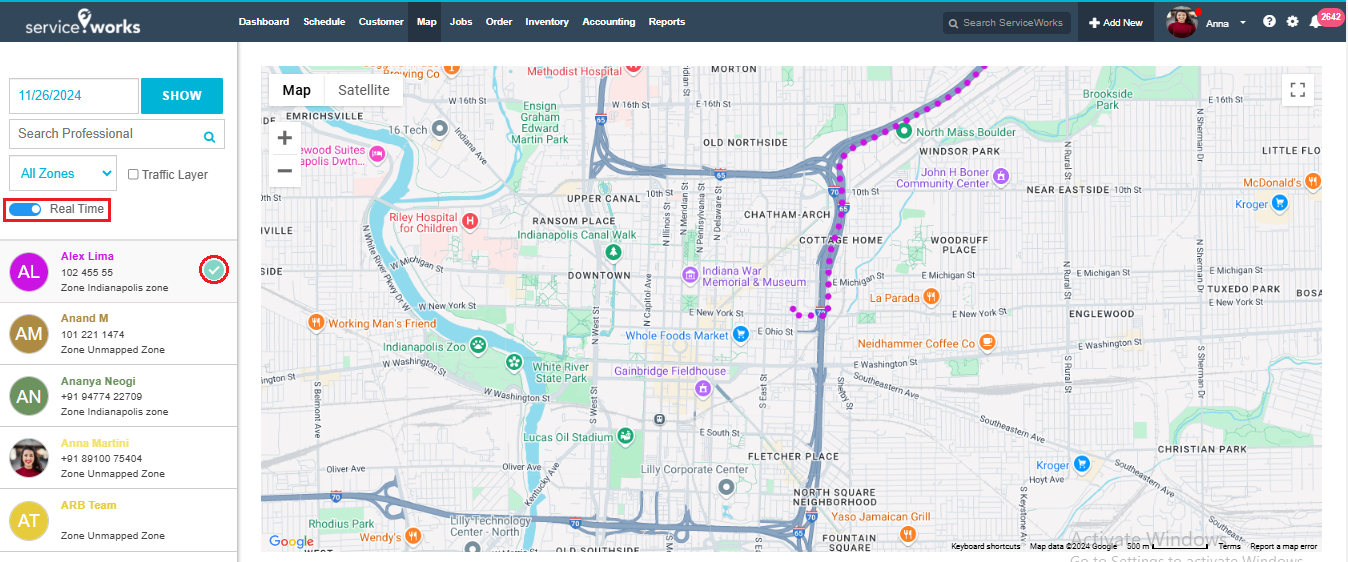
Map enables location based service. You can access real time locations of the technicians.
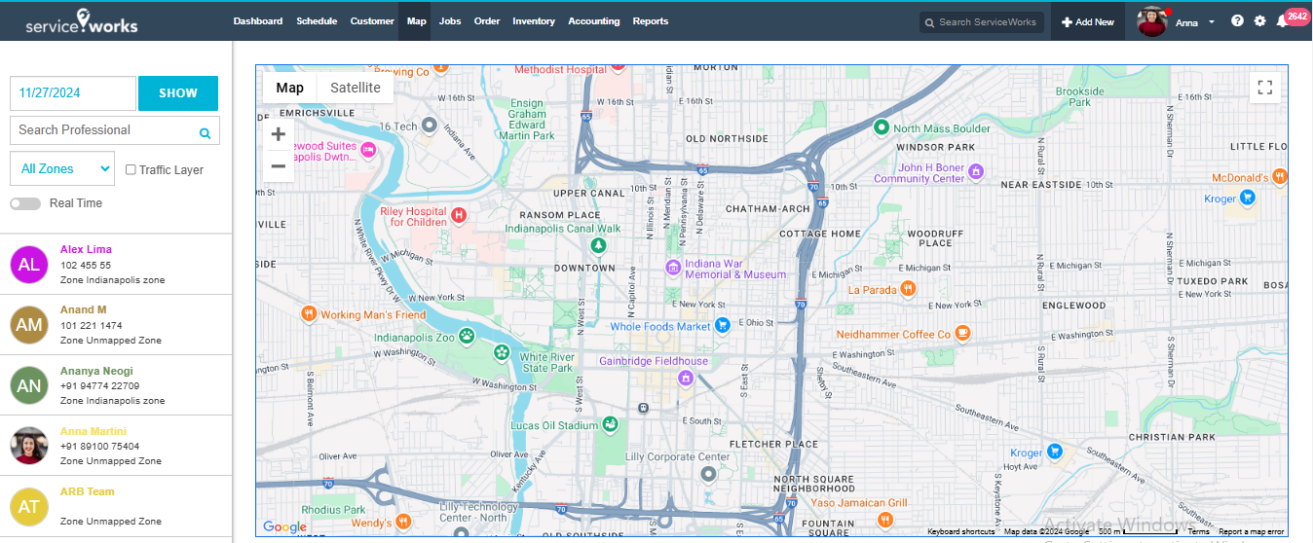
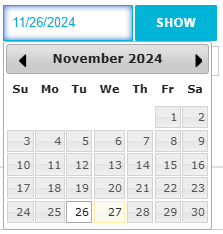
Date wise Map View: By default you will be able to view current date wise map view. You can also select previous date or future date by picking up from calendar popup and click “SHOW” button.
Search Professional: You can filter map view by professional name.
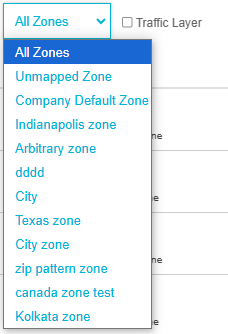
Zone Selection: You can select a specific zone or All Zones from the drop down to filter the map view.
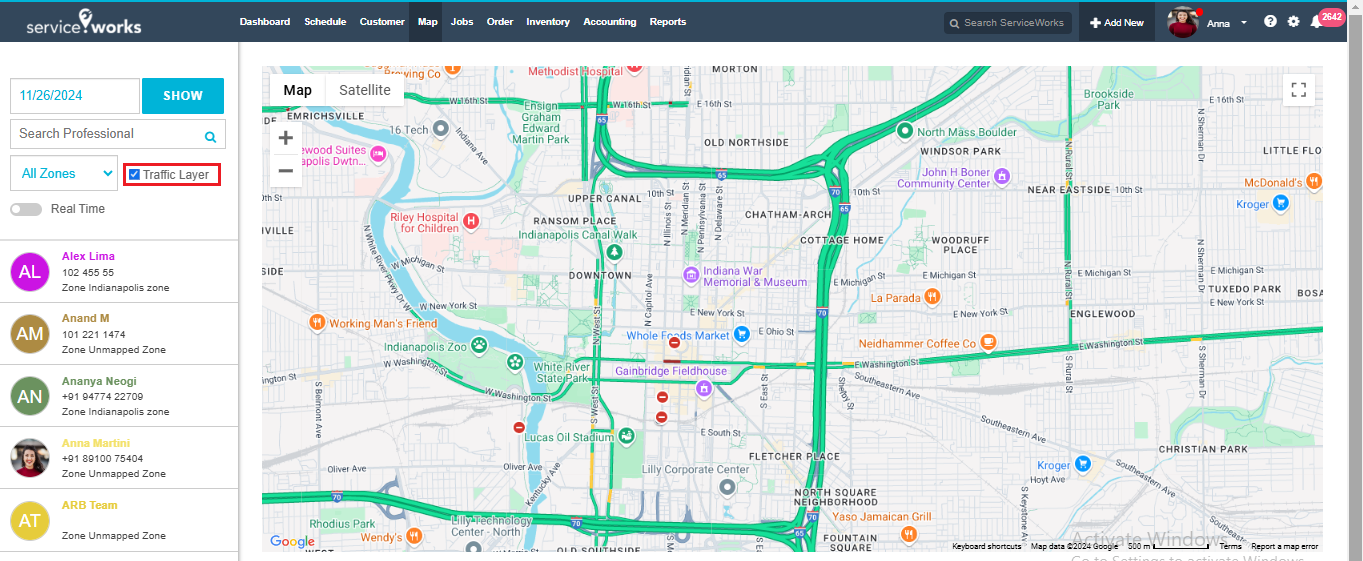
Traffic Layer: You can select this option to view the traffic layer as highlighted in green color as shown below.
Real Time: If you enable Real Time map view option for any selected professional, then the real time location of the professional will be displayed as shown below. Here the dotted path in violet color implies the real time location of the professional Alex Lima in the following image.